> ## Documentation Index
> Fetch the complete documentation index at: https://docs-staging-automated-sdk-version-update.mintlify.site/llms.txt
> Use this file to discover all available pages before exploring further.
> Add Organization support to a Cross App Access (XAA) IdP to associate access tokens with `org_id`.
# Add Organization Support
export const ReleaseStageNotice = ({feature, stage, plans, contact, terms}) => {
const stageTextMap = {
"beta": "Beta",
"ea": "Early Access"
};
const stageText = stageTextMap[stage] || "a product release stage";
const prsLink = "/docs/troubleshoot/product-lifecycle/product-release-stages";
const linkify = (text, url) => {
return {text};
};
const includeDetails = (plans, contact, terms) => {
const hasDetails = terms || plans || contact;
if (!hasDetails) return null;
return
{plans && <>This feature is available for {linkify(`${plans} plans`, "https://auth0.com/pricing")}. }
{contact && "To participate, contact " + contact + ". "}
{terms && <>By using this feature, you agree to the applicable Free Trial terms in Okta's {linkify("Master Subscription Agreement", "https://www.okta.com/legal")}.}
;
};
return
The {feature} feature is in {linkify(stageText, prsLink)}.
{includeDetails(plans, contact, terms)}
;
};
## Configure an Organization
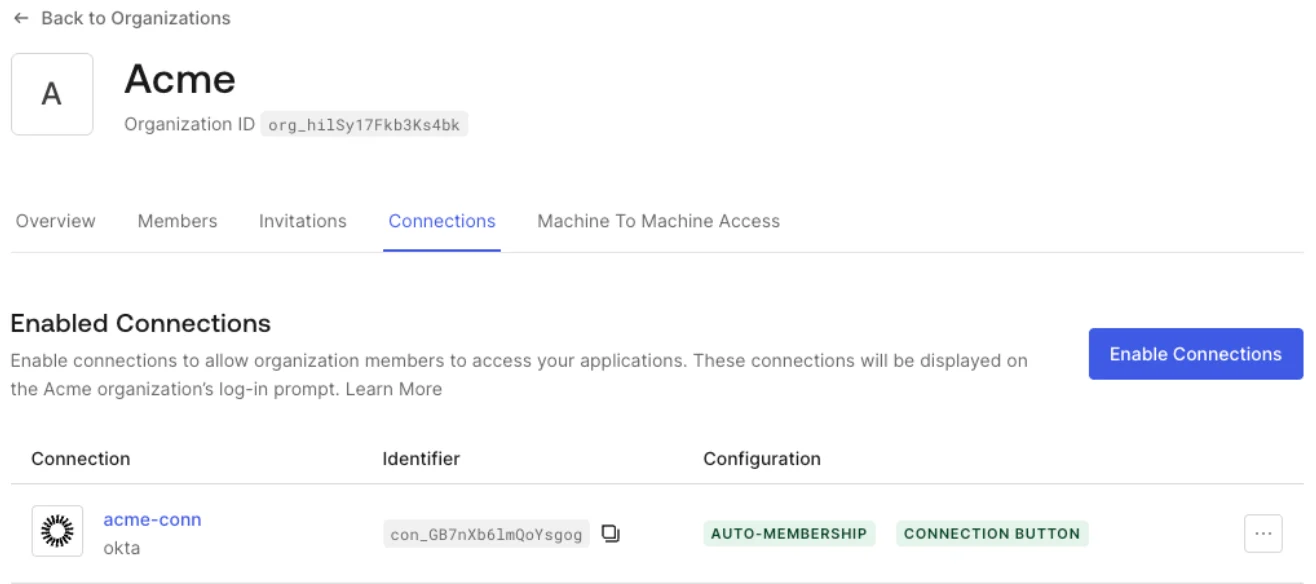
If you want an enterprise customer to use Organizations, [create an Organization](/docs/manage-users/organizations/configure-organizations/create-organizations) and [enable the Enterprise connection you configured for XAA](/docs/manage-users/organizations/configure-organizations/enable-connections) for that Organization. This automatically associates access tokens generated using XAA, in the scope of this connection, to the corresponding `org_id` if the target user is a member of the Organization.
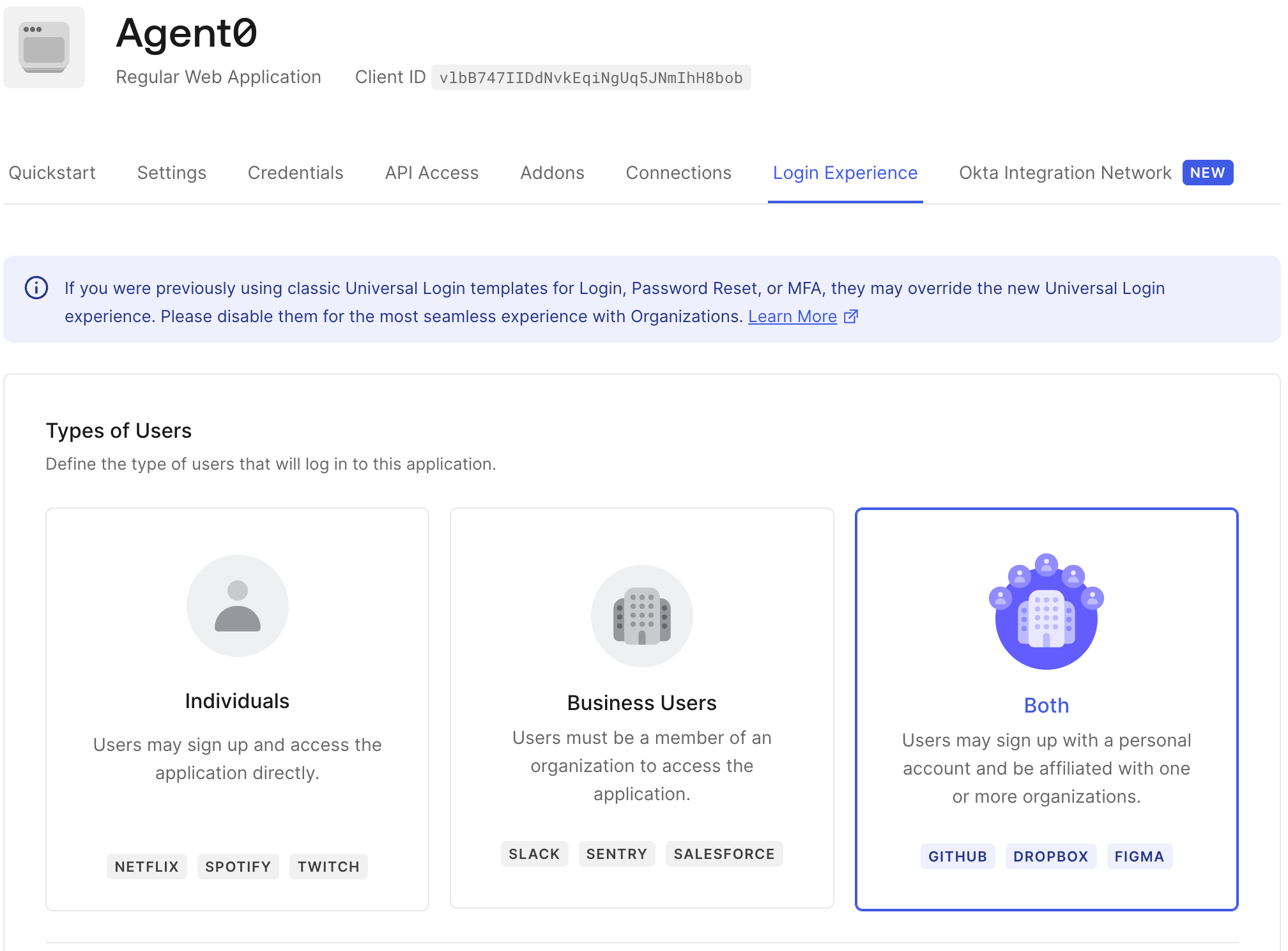
 You can also configure the Requesting App’s [Organization behavior](/docs/manage-users/organizations/configure-organizations/define-organization-behavior) to set whether it is required or allowed to use Organizations. We recommend that you start testing with **Both**, which allows users to log in as an Organization member or sign up with a personal account.
 If the Requesting App is a third-party application, [Enable Third-Party Application Access for an Organization](/docs/manage-users/organizations/configure-organizations/enable-third-party-application-access).